
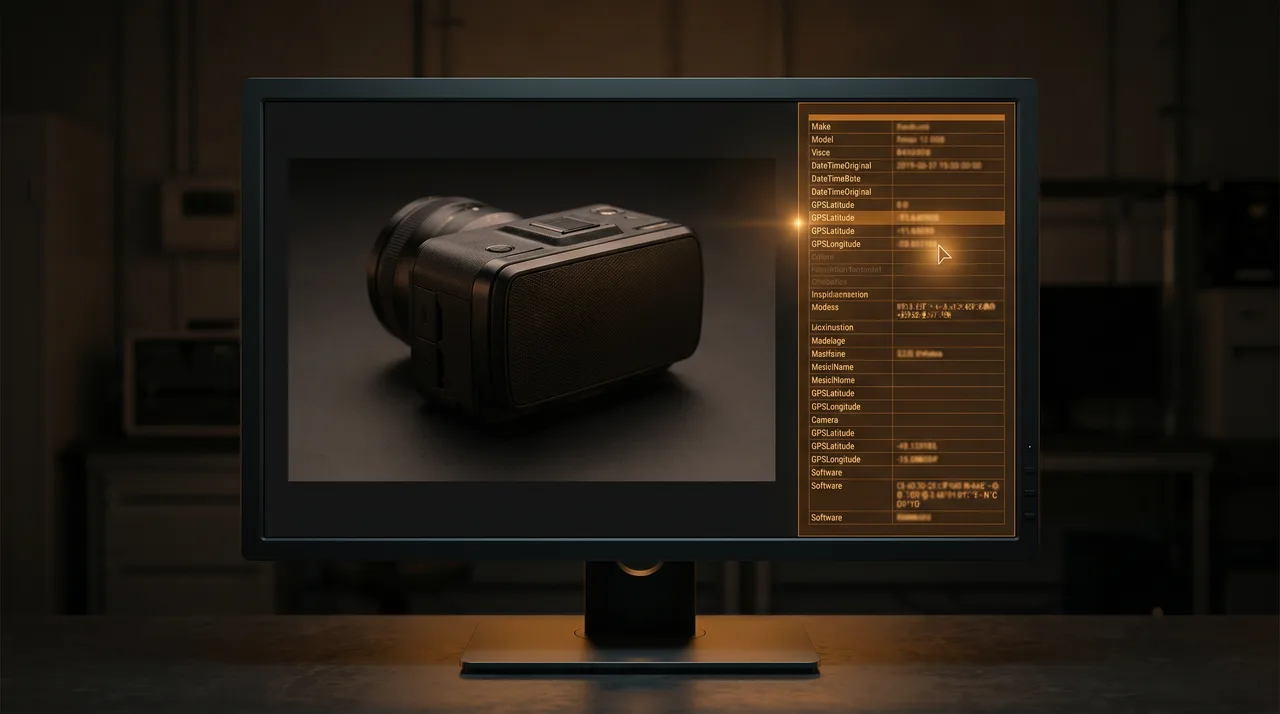
EXIF (Exchangeable Image File Format) is the metadata block a camera writes into every JPEG it produces. It contains camera make, model, shutter speed, ISO, GPS coordinates, and — crucially for fraud detection — a "Software" field that records what touched the file last. Most consumers assume EXIF is invisible or stripped by messaging apps. Most of the time it is not.
This guide is the practitioner's reference for which EXIF fields matter when a damage claim arrives, what each field tells you, and how to read them without specialist software. The time to check a claim once you know the drill is under a minute per photo.
The Nine Fields That Matter
| Field | What it tells you | Red flag |
|---|---|---|
| Software | The application that last wrote the JPEG — camera firmware version, photo app, or editor. | 'Adobe Photoshop 25.3', 'Pixelmator', 'Figma', 'Preview' on a macOS version not matching the claimed camera. |
| DateTimeOriginal | Timestamp when the camera captured the shot (not the file's last-modified time). | Date before the order was placed, or hours apart from a second photo in the same case. |
| Make + Model | Camera manufacturer and exact model, e.g. 'Apple' + 'iPhone 15 Pro'. | Empty, or values that do not match the claimed device, or inconsistent across photos in the same case. |
| MakerNote | Manufacturer-proprietary block with 15–50 fields Apple/Samsung/Sony writes beyond standard EXIF. | Completely empty on a photo 'from an iPhone' — near-certain editor re-save. |
| GPS (Latitude/Longitude/Altitude) | Location where the photo was taken, if the user had Camera → Location enabled. | Stripped entirely on newer iPhones where it is normally present; or coordinates that do not match the shipping address for a 'shipping damage' claim. |
| ImageUniqueID | 128-bit camera-generated GUID unique to each capture. | Duplicate across multiple cases in different tenants — evidence the same photo is being reused. |
| DigitalSourceType (IPTC NewsCodes) | Explicit declaration of how the image was created, e.g. 'compositeCapture', 'trainedAlgorithmicMedia', 'humanEdit'. | Any value other than 'digitalCapture' on a claim photo — the tool that produced it deliberately tagged it. |
| CreatorTool (XMP) | Adobe / Apple / third-party metadata layer indicating the generator. | 'Adobe Firefly', 'Apple Clean Up', 'Magic Eraser' — the new-generation editor tells hidden in XMP even when Software field is missing. |
| Orientation + exposure fields | Shutter speed, ISO, aperture, orientation. | Values that do not match the scene (1/8000 shutter in a dim indoor photo, ISO 100 in near-darkness). |
Treat this list as a priority stack. Software + MakerNote alone catch the majority of edited claim photos. The lower-priority fields matter in specific edge cases — duplicate detection across tenants, AI-generation flags, physics-inconsistency checks.
A Browser-Only Workflow Your Team Can Run
You do not need ExifTool on a CLI. Two free web tools cover 90 % of cases:
Read EXIF from a suspect photo in under 60 seconds
Works on any computer with a browser. No installs, no uploads to sketchy services.
- Open exifr-playground.vercel.appDrag-drop the photo into the browser window. The parser is open-source (exifr) and runs locally — the photo never leaves your machine. A full dump of EXIF + IPTC + XMP appears in 2–3 seconds, with field names grouped by standard.
- Copy the relevant fields into the ticketAt minimum: Software, DateTimeOriginal, Make, Model, MakerNote (or 'MakerNote: absent' if empty), GPS if present. Paste as a fixed-width code block so the customer-facing template stays clean.
- For AI-generation suspicion: check DigitalSourceType + CreatorToolBoth are in the IPTC/XMP blocks, sometimes labelled 'Photoshop: DigitalSourceType' or 'XMP: CreatorTool'. Values to look for are listed in the table above. 'digitalCapture' is normal; anything else warrants escalation.
- For duplicate-claim suspicion: compute a hashA perceptual hash (pHash) of the image — 64 bits, tolerant to resize and re-compression. Sites like hash.xenops.ai compute it in-browser. Store the hash per case; flag when the same hash appears across two different customers or orders.
The workflow takes 45–90 seconds per photo once your team has run it five times. Scale: one reviewer can process 30–50 claim photos per day this way, which is enough for stores up to ~5 000 orders/month. Above that, automation (Claimscan, or a custom ExifTool pipeline) becomes the cheaper option.
Real Examples
Example 1 — Adobe Photoshop Re-Save
A customer sends a photo of a cracked screen on a smartphone. The EXIF dump returns:
| Field | Value | Verdict |
|---|---|---|
| Make | Apple | Plausible |
| Model | iPhone 14 | Plausible |
| Software | Adobe Photoshop 25.7.0 (Macintosh) | CRITICAL — editor used |
| DateTimeOriginal | 2026-03-17 14:22:11 | Order was 2026-03-18; plausible but close |
| MakerNote | absent | HIGH — iPhones always write MakerNote |
| GPS | absent | MEDIUM — suspicious on iPhone |
Two critical-or-high signals. Reject the claim under policy, offer a second-photo request, expect the claim to quietly disappear.
Example 2 — AI-Generated Damage Claim
A different customer sends a photo of a damaged watch:
| Field | Value | Verdict |
|---|---|---|
| Make | absent | CRITICAL — real cameras always write this |
| Model | absent | CRITICAL — real cameras always write this |
| Software | absent | HIGH — missing in unaltered web-download images |
| MakerNote | absent | CRITICAL — iPhones always write MakerNote |
| DigitalSourceType | trainedAlgorithmicMedia | DEFINITIVE — explicit AI-generation flag |
| Image dimensions | 1024 × 1024 | Suspicious — non-standard aspect for a phone |
DigitalSourceType: trainedAlgorithmicMedia is the IPTC tag that image-generation tools (Firefly, DALL-E 3, recent Midjourney exports) increasingly add automatically. When you see it, the photo was explicitly declared AI-generated by the tool that produced it. This is a policy reject.
Example 3 — Screenshot of a Real Photo
The ambiguous case. A legitimate customer takes a screenshot of their genuine damage photo before sending (they forget how to attach). EXIF:
| Field | Value | Verdict |
|---|---|---|
| Make | absent | Expected for screenshots |
| Software | Screenshot / Preview 11.0 | Expected for screenshots |
| MakerNote | absent | Expected for screenshots |
| Dimensions | 1170 × 2532 | iPhone 13/14 Pro screen resolution — consistent with claimed source |
This is the false-positive trap. The ritual response: do not reject, ask the customer to send the original file. Legitimate customers comply within a day; fraudsters stop responding.
Why Messaging Apps Strip EXIF (And When They Don't)
A common defence from customers: "the app I used stripped the metadata". Sometimes true, sometimes convenient. Here is the actual behaviour as of 2026:
| Channel | EXIF behaviour | Preserves full EXIF? |
|---|---|---|
| WhatsApp (sent as image) | Strips most EXIF, keeps some device fields | No — only Make/Model + rough timestamp |
| WhatsApp (sent as document) | Preserves original file and full EXIF | Yes |
| Email attachment | Preserves original file and full EXIF | Yes |
| iMessage | Strips GPS, preserves most fields | Mostly |
| Email inline paste | Platform-dependent; Gmail compresses; Outlook preserves | Unreliable |
| Instagram / Facebook Messenger | Strips all EXIF | No |
| Support-portal upload (Zendesk, Gorgias, custom) | Preserves original file (good portals do) | Usually yes |
| File compression (WinRAR, ZIP) | Preserves original file inside | Yes |
Policy recommendation: require the photo attached directly in the support ticket (or sent via email), not via Instagram/Messenger/Facebook. Legitimate customers complying is free. Fraudsters preferring stripped channels is a signal in itself.