
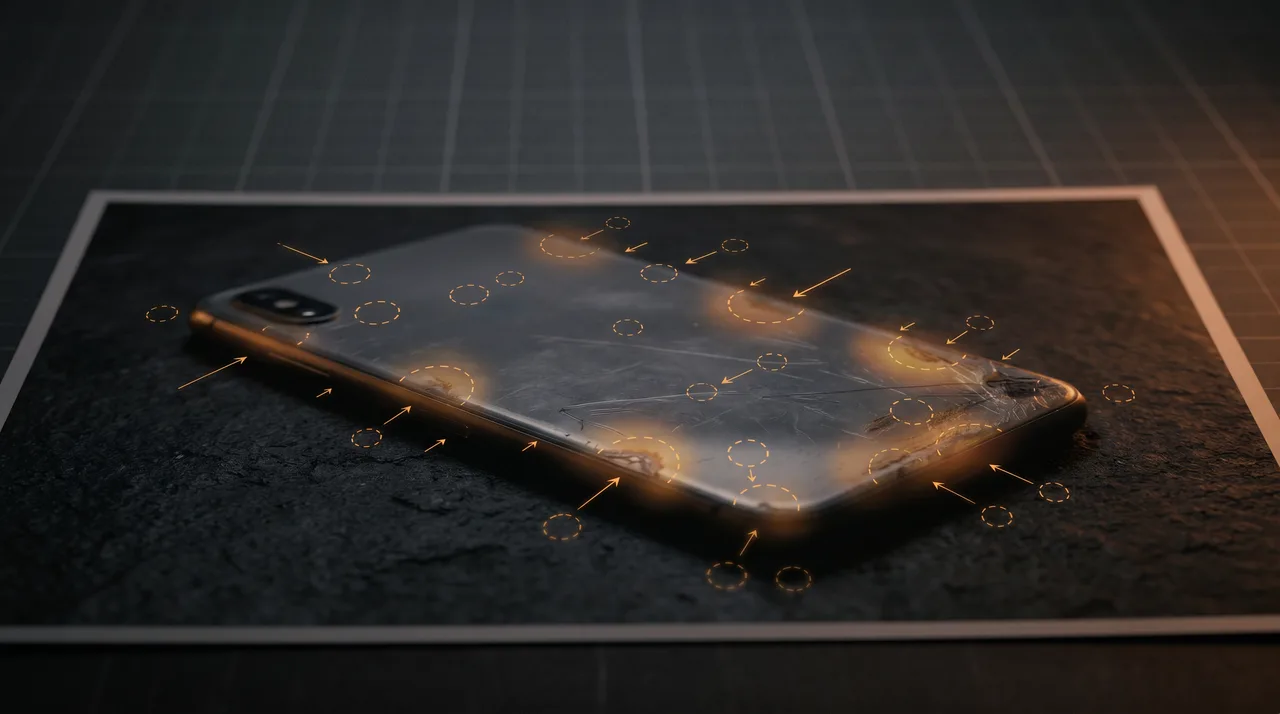
Every week, support teams pass us photos that look wrong but the reviewer cannot say why. The instinct is real; it is usually cheaper to refund than to argue, and fraudsters count on exactly that. This guide turns that instinct into a checklist your team can run in under three minutes per claim, using only tools a browser can open.
We will cover twelve tells — six visual, three metadata, three behavioural — with concrete thresholds. At the end you will have a decision workflow you can wire into Zendesk or Gorgias macros.
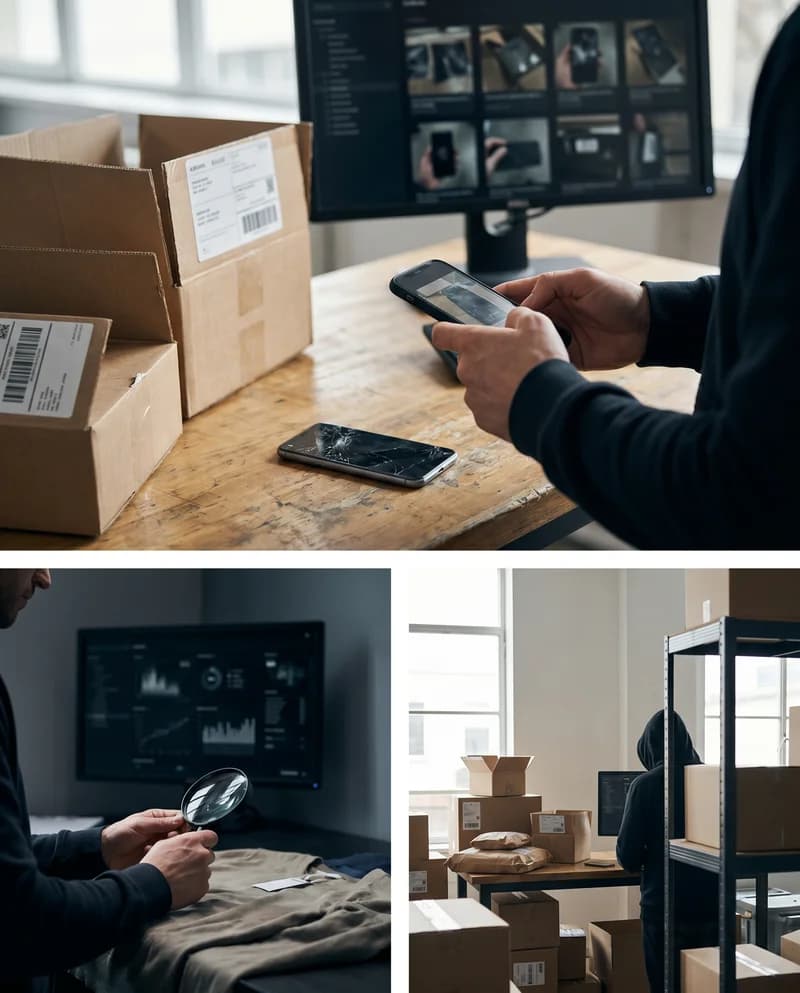
Why Photoshop Detection Matters in Returns
The National Retail Federation's 2024 Return Fraud Report put return fraud at roughly 13.7 % of total returns, with damage-claim fraud growing faster than any other category. For a store doing €2 M/year with an 18 % return rate, that is a five-figure annual loss before you count chargebacks.
Two factors made this worse in 2024–2026: consumer-grade AI inpainting (Apple's Clean Up, Samsung's Object Eraser, Firefly) that leaves no visible brush strokes, and marketplace policies on Amazon and eBay that lean heavily on buyer-favourable A-to-Z claims. The forensic bar has risen.
Six Visual Tells You Can Check in the Image Viewer
Inspect a suspect damage photo
Run these six checks in order. Stop the first time two fail.
- Check the primary light sourceIdentify where light falls from. In a single-source scene, every shadow must fall in the same direction with consistent softness. Two shadow directions on adjacent objects means the item was composited.
- Compare shadow hardness to ambient lightA scratch on a dimly-lit kitchen table should have a soft edge. A razor-sharp shadow around a 'damaged' area tells you that region was rendered under different lighting.
- Look at reflections on glossy surfacesPlastic, screens, and varnish reflect their surroundings. If the reflected scene does not match the rest of the photo, that region has been painted in.
- Zoom to 400% on edges of the damaged areaManually edited regions leak pixel artefacts at the boundary: telltale halos, repeated micro-textures (from content-aware fill), or harder-than-expected transitions.
- Look at the JPEG noise patternCamera sensor noise is statistically uniform across an image taken in one exposure. Patches with noticeably cleaner or busier noise are reprocessed. Use an ELA tool (see below).
- Check perspective alignmentA photoshopped defect will rarely match the perspective plane of the surface it sits on. Draw imaginary vanishing lines from two edges of the object; the defect should respect them.
You do not need a fine-art eye for this. Two failures out of six is enough to escalate.
Three Metadata Tells Every Support Team Should Run
EXIF is what the camera writes into the file. It is invisible to a normal user but trivial to read — any modern image viewer shows it, or you can paste the file into exifr-playground.vercel.app in a browser tab.
| Field | Clean (iPhone camera) | Suspect |
|---|---|---|
| Make / Model | Apple / iPhone 15 Pro | Missing, or a desktop app like 'Photoshop 25.3' |
| Software | 17.4.1 (iOS build) | Adobe Photoshop, Figma, Preview (macOS), Pixlr |
| DateTimeOriginal | Within a few hours of the claim | Days before the order, or hours after the first photo in the same case |
| GPS | Latitude/longitude present if enabled | Stripped entirely — unusual on recent iPhones |
| MakerNote | Rich, 15+ proprietary fields | Empty or truncated |
A re-saved photo almost always shows Software: Adobe Photoshop or a similar desktop-app name — it is the single strongest red flag in the entire field set. A second reliable signal is a DateTimeOriginal that predates the order or falls days apart from a second photo in the same claim.
The third metadata tell is less obvious but important: MakerNote. This is a manufacturer-proprietary block (Apple writes ~45 fields, Samsung and Sony have their own schemas). Editing software rewrites the JPEG and strips MakerNote in the process. A photo "from an iPhone" with an empty MakerNote is almost certainly re-saved.
Error Level Analysis — When to Use It, When to Skip It
Error Level Analysis (ELA) re-compresses a JPEG at a known quality level and subtracts the result from the original. Regions that have been re-saved more times — i.e., edited — appear brighter.
Run an Error Level Analysis
Use ELA when the visual tells are ambiguous and the metadata looks clean.
- Open the image in your ELA tool of choiceFotoForensics and Forensically (29a.ch) are free and run in the browser. Paste the image URL or drag-drop the file.
- Set the re-compression quality to 75This is the standard sensitivity for damage-claim photos. 90 is too gentle; 50 produces noise that looks like real edits.
- Look for rectangular high-contrast areasELA hotspots shaped like brush strokes, circles, or rectangular selections are edits. A uniformly bright image means the whole thing was re-saved — which is itself suspicious but not proof.
- Compare the damaged region to an undamaged regionIf the scratch glows brighter on ELA than the rest of the product, that is a direct indicator of post-processing on that region.
Two caveats. Screenshots and Instagram-processed images will light up ELA even when unedited — the platform re-saves the file. And modern AI inpainting is designed to blend noise patterns, so ELA will miss a professional Apple Clean Up job. ELA is necessary but not sufficient.
Three Behavioural Tells Outside the Image Itself
The photo is evidence, but the claim is a story. Check whether the story fits.
- Timestamp gap. Does
DateTimeOriginalfall after the order but before the package could have physically arrived? We see this surprisingly often — fraudsters stage photos from stock images days before their order lands. - Device consistency across the case. If a customer submits three photos and only one has the manipulated indicator, check the other two. An iPhone 15 Pro for photos 1 and 2, and a desktop-saved JPEG for photo 3, is a strong pattern.
- Reverse image search. Upload the photo to TinEye or Google Lens. Stock photography of damaged goods is widely reused; we've caught repeat offenders by finding the same "unique" damage on four different stores.
A Decision Workflow You Can Paste Into a Macro
Here is the heuristic our support-lead users run most weekends:
| Signal | Severity | Action |
|---|---|---|
| Photoshop in Software EXIF + damage-region ELA hotspot | Critical | Reject claim. Document evidence. Reply with template C-REJECT. |
| MakerNote missing + DateTimeOriginal before order | High | Request a second photo with specific steps (ruler, timestamp card). 80% of fraudsters disappear. |
| Shadow inconsistency + reverse-image match | High | Escalate to a human reviewer. Do not refund before review. |
| Only one visual tell + clean metadata | Low | Process the return normally. Do not accuse. |
| No visual tells but suspect timeline | Low | Process normally. Log the customer for repeat-pattern analysis. |
The critical note: never accuse a customer of fraud based on a single signal. The cost of a false accusation to a loyal customer (public review, chargeback, loss of lifetime value) is always higher than the cost of a single refund. Escalate when at least two independent signals agree.